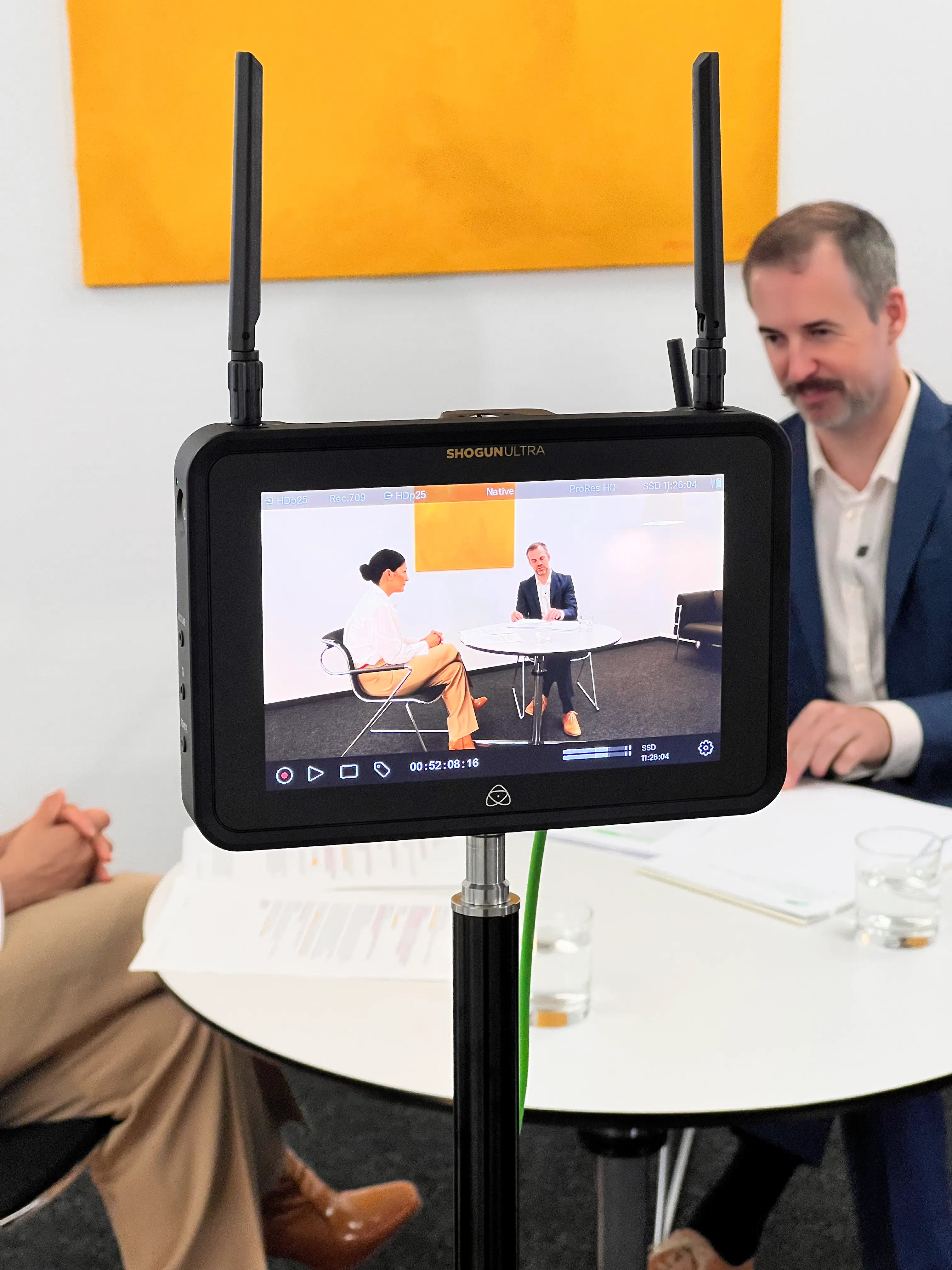
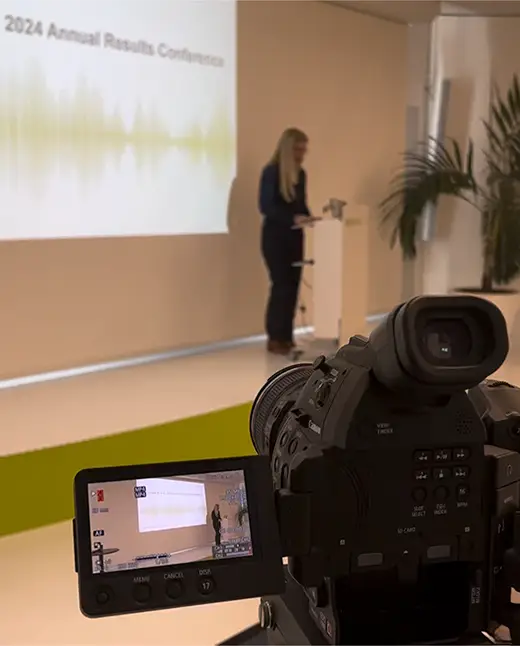
Workshops & trainings for Video production & live streams.

Camera, post-production, live stream or storytelling: In our workshops, you will learn the principles of professional video production. Clear, hands-on and instantly applicable.
Scroll Down 2
Camera, sound, lighting, editing, live stream, direction — in our workshops, you will not only learn the theory, but how to focus on the actual output. Tailored to your needs and with direct support, we will show you how to produce your own content on a professional level. Whether you're taking the first steps or want to optimise your existing workflow, we'll pick up at your current level and give you tools that you can implement right away.

Technical workshop: Mastering light, sound and camera for reliable filming

Our hands-on workshop teaches you how to handle cameras, lighting and sound correctly and how to properly prepare and use the technology for your formats.

WHAT WE DO
Check purple
Camera technology & image design
Learn how to get the most out of your camera with focus, frame, and manual adjustments.
Check purple
Light setting & lighting
Exercises with video lighting, softboxes and available daylight: For coherent, professional exposure.
Check purple
Audio technology & microphoning
Basics of microphone types, room acoustics and clear voice recording, essential for any good video.
Check purple
Studio & mobile setups
Every shoot should be technically well prepared, whether on the go or stationary: tips and tricks to avoid mistakes.
Check purple
Hands-on training & individual support
You film yourself, test technology and get direct feedback — all with professional support.
Use cases
Check purple
All formats for which the technology is available
Check purple
Social media content (reels, behind the scenes, short clips)
Check purple
Live streams (e.g. townhalls, panel talks)
Check purple
Events & presentations with camera support
Check purple
Self-produced product videos or tutorials

Postproduction workshop: from raw footage to crisp videos

Learn how to handle raw material. With editing, color correction, sound optimization, and animated elements, you will get the most out of your shots. For anyone aiming to create strong content for the web, social media or internal platforms.d

What we do
Check purple
Video editing & project structure
How to structure your rough cut, edit to rhythm and bring clear messages on your screen.
Check purple
Color grading & developing looks
Colour correction, LUTs and fine-tuning: creating your own signature style.
Check purple
Audio & sound design
Clean voice recordings, music, mix volume — for clear and professional sound quality.
Check purple
Motion graphics & animations
Design lower thirds, logos, or intros — in After Effects, DaVinci Resolve, or Canva, to match your CI.
Check purple
Export & format optimization
How to export videos correctly using resolution, codecs, and bitrate for film, web, social media, or internal tools.
use cases
Check purple
Social Media Clips & Reels
Check purple
Event reviews & highlight videos
Check purple
Interviews & CEO Statements
Check purple
Training videos & e-learning
Check purple
Content for websites, intranets, or internal communications

Live Stream Workshop: Own the stage with confidence. In front of the camera, and behind.

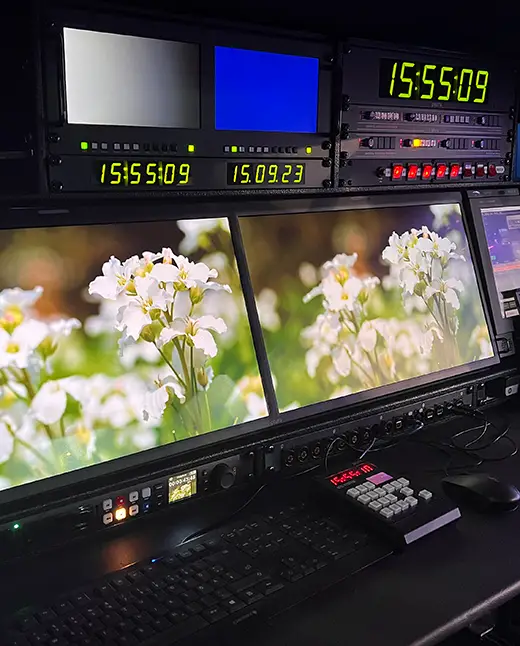
Learn how to run professional live streams, from technology and software to direction. For anyone who wants to broadcast events, webinars or internal formats independently.

what we do
Check purple
Fundementals & planning
Preparing and structuring a live stream
Check purple
Streaming technology & setups
Cameras, lights, sound, encoders, networks — everything you need for a reliable setup.
Check purple
Streaming software & platforms
Introduction to tools such as vMix, OBS, Zoom or MS Teams. You'll learn which platform fits your needs. For GDPR-compliant workflows, we show you our trusted partner platform
Check purple
Live direction & content inserts
Switch scenes, record content and integrate remote guests while taking full control of the direction.
Check purple
Error prevention & troubleshooting
Backup strategies and confident handling of live issues.
use cases
Check purple
Webinars and online training
Check purple
Townhalls and internal corporate formats
Check purple
Product presentations and launches
Check purple
Annual general meetings and press conferences
Check purple
Panel talks, panel discussions, hybrid events

Video production workshop: Create content with impact

Learn how to shape ideas into compelling videos, with focused storytelling, intentional visuals and a structured concept.

what we do
Check purple
Strategic storytelling
How to turn ideas into a clear story: structured, relevant and to the point.
Check purple
Visual language & image design
How colors, perspectives and movements trigger emotions and support content.
Check purple
Sound, music & rhythm
How timing, sound design and music impact your video positively.
Check purple
Staging & directing
How to lead people in front of the camera: For genuine statements and authenticity.
Check purple
Creative planning & format development
How to develop recognizable video formats: Tailored to your brand, your goals, your channels.
use cases
Check purple
Image films & corporate videos
Check purple
Social media clips with story
Check purple
Explanatory videos & tutorials
Check purple
Internal communication & training
Check purple
Campaign films & brand content

This is why our workshops create impact

Contact me

Kick-off & goal clarification:
Clarifying your current level to define the appropriate framework and workshop focus.

Select your package

Individual preparation:
Customised content, processes and examples for your specific tools and use cases

We make a plan

Workshops on site or in our studio:
We travel the world to create content that matches your environment.

We make a plan

Hands-on & fast application:
Learning by doing: You actively practice, test technology, edit videos or control the live stream yourself.

Feedback & documention:
After the workshop, you will receive a summary with tips and tricks to keep practicing.

We have no experience with cameras or technology. Can we still get involved?

Absolutely! Our workshops aim at beginners or advanced users. Easy to understand and put into practice right away.

Is the workshop also about light and sound or just about the camera?

It's about the complete setup. Camera, light and sound are explained in context and used in practice so that you get a clean overall picture. Depending on the desired scope, the training also covers topics related to direction and networking.

We want to produce small videos ourselves. Is the workshop enough for this?

Yes You will learn all the important basics to make good recordings yourself. In addition, you will receive practical tips for typical mistakes and how to avoid them.

Do we need our own equipment for the workshop?

Not necessarily. You can work with your own setup or use our equipment. This also gives you a feel for various technology options.

How practical is the workshop really?

Very much. You'll be actively filming, testing microphones and working with light. The focus is on direct application and on questions from your everyday life.

We've already recorded videos, but we don't know how to edit them properly. Do you learn that in a workshop?

Yes You'll learn step by step how to cut a structured and effective video from raw material — from set-up to finished dramaturgy.

How does that work with color correction and look? Isn't that very technical?

We'll show you hands-on how to adjust colors, improve contrasts and create a consistent look. Even if you don't have any previous experience, you'll see results quickly.

Our voice recordings often sound dull or noisy. Will this be covered in the workshop?

Yes You'll learn how to clean speech, reduce background noise, and professionally mix audio tracks. This immediately makes your video sound of higher quality.

We want to use our own belly bands or animated logos. Is that also possible without design know-how?

Yes We work with tools such as After Effects, Davinci Resolve or Canva and show you how you can create simple corporate design motion graphics yourself.

How do I prepare the finished video for social media or internal platforms?

In the workshop, you'll learn how to export videos correctly — in the right format, aspect ratio, and with the optimal file size for every platform.

We want to do a live stream, but we don't know where to start. What do we need anyway?

In the workshop, you will learn how a live stream is structured, which technology you need and how to prepare everything correctly. Step by step and in a practical way.

Which software is suitable for our purposes? We're not familiar with that.

We'll show you tools like vMix, OBS, and other platforms. You will learn what is suitable for what and how to use it correctly, whether for webinars, events or internal meetings.

What to do if something suddenly doesn't work during the stream?

In the workshop, you will learn how to identify errors, react quickly and continue the stream securely with clear backup strategies.

How does it work with multiple cameras and players?

We'll practice it live. You'll learn how to change scenes, record videos or presentations, and integrate remote guests — all under control in live direction.

Does our Internet have to be particularly fast for streaming at all?

A stable connection is important, but you'll also learn how to adapt setups to the available conditions. We will explain to you what is technically necessary and what you should pay attention to.

We want to do a live stream, but we don't know where to start. What do we need anyway?

In the workshop, you will learn how a live stream is structured, which technology you need and how to prepare everything correctly. Step by step and in a practical way.

Which software is suitable for our purposes? We're not familiar with that.

We'll show you tools like vMix, OBS, and other platforms. You will learn what is suitable for what and how to use it correctly, whether for webinars, events or internal meetings.

What to do if something suddenly doesn't work during the stream?

In the workshop, you will learn how to identify errors, react quickly and continue the stream securely with clear backup strategies.

How does it work with multiple cameras and players?

We'll practice it live. You'll learn how to change scenes, record videos or presentations, and integrate remote guests — all under control in live direction.

Does our Internet have to be particularly fast for streaming at all?

A stable connection is important, but you'll also learn how to adapt setups to the available conditions. We will explain to you what is technically necessary and what you should pay attention to.